
The changes announced in 2025 by Microsoft to the way it makes grant available to UK charities are now starting to force many to rethink what they spend on software. And as we are starting to hear in our calls with customers and prospects, for many, the impact is only becoming clear now, as legacy agreements reach their renewal dates.
Microsoft grant changes impact charities – analysis and ways to mitigate
The headline change is this: Microsoft’s older, more generous grant model has completely shifted. Office 365 E1 has been largely phased out, and the free grant tier for Microsoft 365 Business Premium has been entirely discontinued for renewals. For a charity with 30 staff needing those premium desktop features, that means every single seat now carries a monthly price tag where it previously cost nothing.
Add to this a strict requirement that charities must maintain at least an 85% active usage rate across all assigned licenses—meaning users must regularly log in or risk the charity losing the grant altogether—and the landscape is suddenly both significantly more expensive and more administratively demanding. If charities mass-assign free Business Basic accounts to disengaged trustees just to secure their email addresses, they will likely violate this 85% rule, putting their entire software grant at risk.
Many charity administrators are discovering all of this at exactly the wrong moment — at renewal, with no budget set aside and no plan in place.
So should you give charity trustees microsoft accounts?
It’s a reasonable question. Microsoft still offers up to 300 free seats of Business Basic — which includes a professional charity email address and web-based versions of Office apps. For a trustee who reads documents and attends meetings, that sounds like it might be enough.
And from a professionalism and legal standpoint, there are real reasons to want trustees on a controlled email domain rather than personal Gmail or Hotmail accounts. When a trustee’s personal inbox is breached, the charity carries the data protection liability. When a trustee leaves on difficult terms, you cannot revoke access to years of sensitive correspondence sitting in their private account. Subject Access Requests become a logistical nightmare when the data you’re legally obliged to locate is scattered across a dozen personal inboxes you don’t control.
A Business Basic account solves some of this. It gives trustees a professional address and — crucially — gives your administrator a kill switch when they leave.
But it doesn’t solve the governance problem. At least not in our opinion.
The real risk isn’t the email address
Even with a dedicated charity email account, the moment you send a trustee a board pack, a set of management accounts, or a safeguarding report by email, that document lands in an inbox. It may be downloaded, forwarded, or printed. It accumulates over years of trusteeship. And while revoking the email account on departure is straightforward enough, it doesn’t account for everything that left the secure environment during their time on the board.
This isn’t a Microsoft problem specifically. It’s an email problem. And it’s one that no licence change, however well-intentioned, actually addresses.
What practical data control looks like
The question charities should be asking isn’t which software eliminates all risk — no system can stop a trustee printing a document and leaving it on a train. The real question is whether your charity can demonstrate that it has the controls in place that a responsible organisation should have (for example, meeting the needs of Industry frameworks like the NCSC’s Cyber Security Guide for Small Charities.
That means knowing who accessed what and when. It means sensitive governance documents not accumulating in inboxes over years of trusteeship. And it means your administrator being able to act swiftly when a trustee leaves — without logging a ticket with an IT department, navigating SharePoint permissions, or paying for another month’s licence while they get round to it.
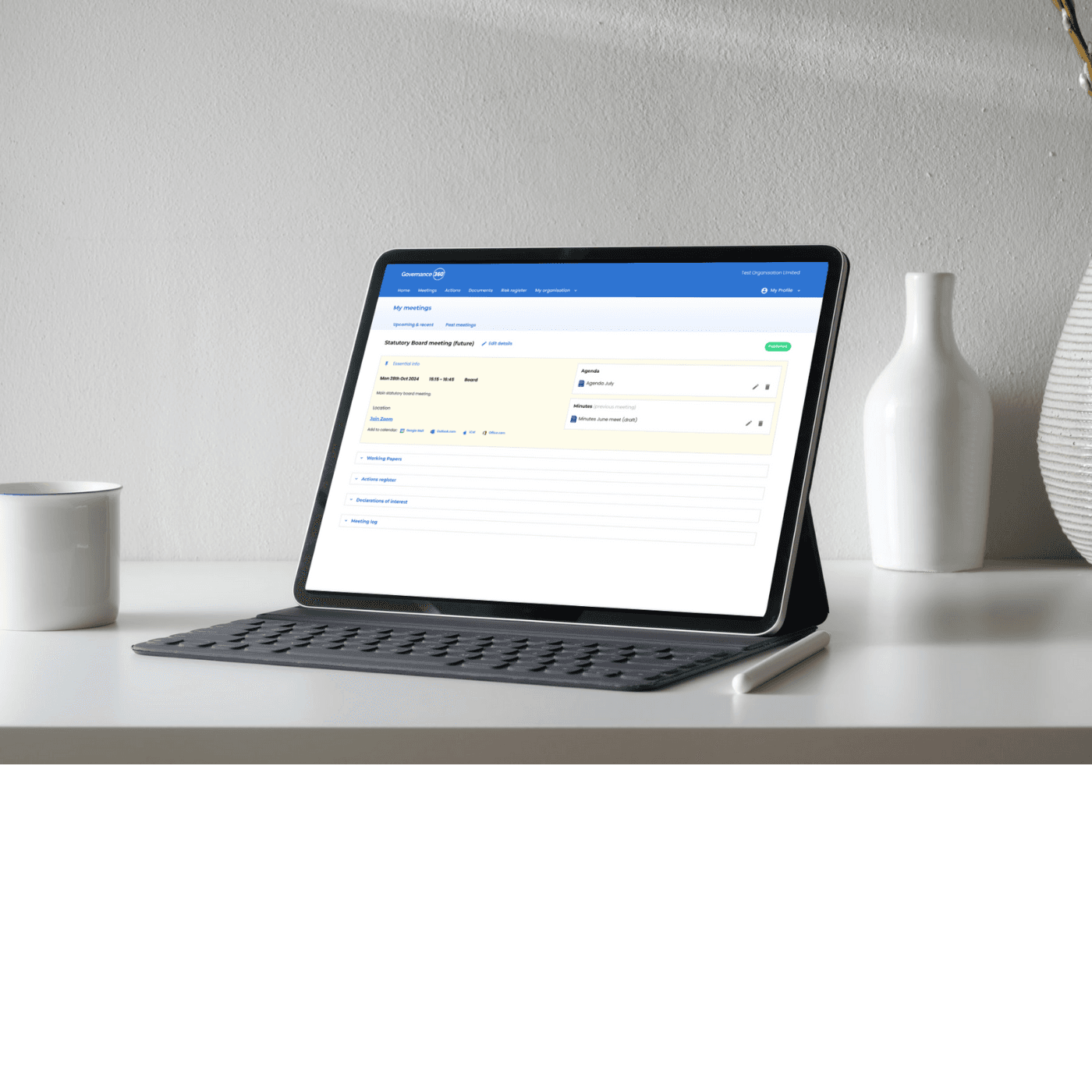
A purpose-built board portal keeps sensitive governance documents — board papers, minutes, risk registers, declarations of interest — inside a controlled environment that never touches a trustee’s personal or charity inbox at all. When their tenure ends, a single action removes their access entirely. The governance record stays with the charity, where it belongs. And if the portal is built to be simple to use and quick to administer – as Governance360, built by practitioners, is, then more the better.
A smarter way to think about the microsoft changes
The good news is that the two approaches aren’t mutually exclusive. The smartest response to Microsoft’s changes for many charities is to use the free Business Basic grant for trustees — giving them a professional email address and the legal offboarding control that comes with it — while using a dedicated governance platform (perhaps unsurprisingly we’d suggest looking at Governance360…) to ensure that sensitive board documents never travel through email at all.
This way, you preserve the 10 free Premium seats for the operational staff who genuinely need desktop Office applications, avoid paying for trustee accounts that see minimal use, and ensure your governance data sits somewhere you actually control.
There is little doubt from what we hear that the Microsoft grant changes impact charities, and have prompted many to review their software costs. It’s worth using that moment to ask a broader question: not just what you’re spending, but whether the tools your board relies on give you the control and audit trail that good governance actually requires.
Governance360 is built specifically for charity boards — simple enough for trustees with no technical background, and affordable enough that it doesn’t compete with your charitable objectives. Get in touch for a quick demo.
Built for charity boards and trustees
Upskill your trustees, run better meetings, stay compliant.
Governance360 helps charities of all sizes meet the Charity Governance Code — with board minutes, a live risk register and CPD-accredited Director Academy training in one affordable platform.